
Power BI: Advanced Data Modeling, DAX, Service & Administration
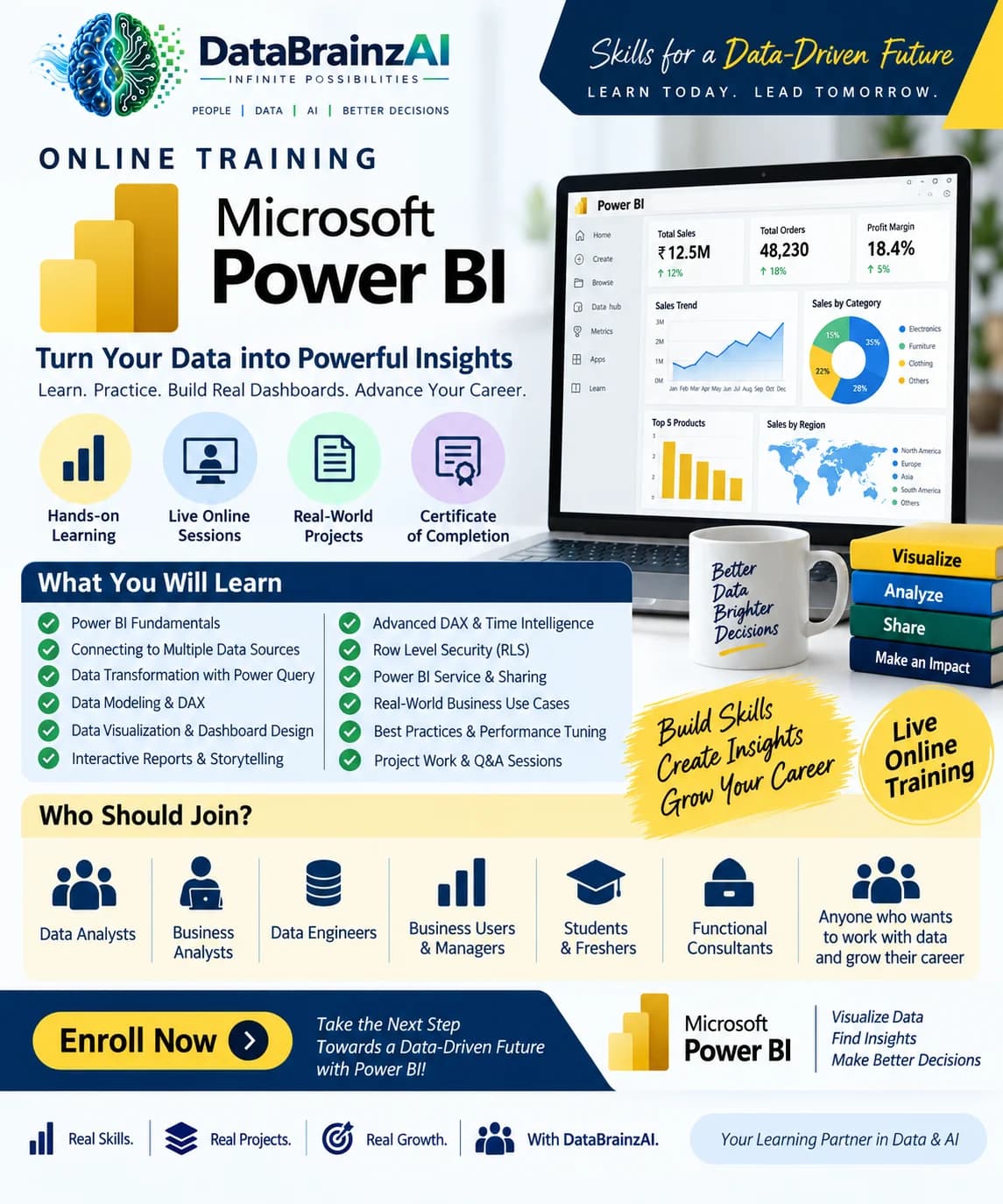
Take your Power BI skills to the next level with hands-on training in advanced data modeling | DAX | interactive dashboards | deployment and Power BI Administration | Learn to develop | optimize | secure and manage enterprise-level BI solutions.
Syllabus · 9 modules · Sat–Sun, 10am–1pm IST
- Power BI Architecture & Data Connectivity · 2h
Power BI Desktop, Power BI Service and Power BI Mobile
Power BI architecture and data flow
Import, DirectQuery and Live Connection
Composite models and Direct Lake overview
Connecting to SQL Server, Excel, CSV and Snowflake
Data source credentials and connection management
- Advanced Power Query · 3h
Advanced transformations and data cleansing
Merge and Append queries
Group By and Pivot/Unpivot
Parameters and dynamic data sources
Custom columns and conditional logic
M language fundamentals
Query folding and performance optimization
Error handling and data profiling
- Advanced Data Modeling · 4h
Star schema design and dimensional modeling
Fact and dimension tables
Defining grain and relationships
Active and inactive relationships
One-to-many and many-to-many relationships
Role-playing dimensions
Date dimension and multiple date relationships
Handling slowly changing dimensions
Bidirectional filtering and its implications
Model optimization and reducing cardinality
- DAX Fundamentals to Advanced DAX · 5h
Calculated columns, calculated tables and measures
Row context and filter context
CALCULATE and filter modifiers
ALL, ALLEXCEPT, REMOVEFILTERS and KEEPFILTERS
RELATED, RELATEDTABLE and LOOKUPVALUE
Iterators: SUMX, AVERAGEX and COUNTX
Variables using VAR and RETURN
Time intelligence
YTD, QTD, MTD and previous-period calculations
Ranking, percentage contribution and running totals
Dynamic measures and calculation groups overview
DAX performance and optimization
- Advanced Visualization & Reporting · 3h
Advanced charts and custom visuals
Drill-down and drill-through
Bookmarks and buttons
Dynamic titles and conditional formatting
Report page tooltips
Field parameters and dynamic dimensions
What-if parameters
Mobile layout and accessibility
Interactive executive dashboards
- Power BI Service & Deployment · 3h
Publishing reports and semantic models
Workspace creation and management
Workspace roles and permissions
Apps and audience management
Semantic model ownership
Scheduled refresh and refresh history
On-premises data gateway
Deployment pipelines
Development, Test and Production environments
Endorsement and certification overview
- Power BI Administration & Governance · 5h
Power BI tenant architecture
Power BI Admin Portal
Tenant settings and organizational controls
Workspace administration
User, group and access management
Microsoft Entra ID integration
Row-Level Security and Object-Level Security
Data source and gateway administration
Capacity and license management
Monitoring usage and audit logs
Power BI governance and deployment standards
Data protection and sensitivity labels
Troubleshooting refresh and access issues
- Performance Optimization & Monitoring · 2h
Performance Analyzer
DAX Studio overview
Model size and cardinality optimization
Query performance troubleshooting
Refresh performance and incremental refresh
Capacity monitoring overview
Common report performance problems
- End-to-End Business Case & Project · 3h
Import business data from multiple sources
Transform data using Power Query
Design a star schema
Develop DAX measures and KPIs
Build an interactive dashboard
Implement security
Publish to Power BI Service
Configure refresh and workspace access
Demonstrate administration and monitoring
By the end of this training, participants should be able to:
Design and implement advanced Power BI data models.
Write intermediate and advanced DAX measures.
Build interactive dashboards and reports.
Optimize Power Query transformations and data models.
Connect Power BI to SQL Server, Excel, Snowflake and other data sources.
Implement Row-Level Security (RLS) and Object-Level Security (OLS).
Publish and manage reports in Power BI Service.
Configure workspaces, semantic models, gateways and refresh schedules.
Administer Power BI environments, monitor usage and manage access.
Understand deployment pipelines and Power BI governance.